Free on WordPress.org

Simple Subscriptions for Stripe & WooCommerce

$0

You can go directly to the plugin page on WordPress.org

Officially available languages (currently)
  • English (US / default)
  • Russian
  • Chinese (Simplified)
  • Japanese
  • Korean

Download on WordPress.org

Description

Essential Features, Nothing Excessive

Simple Subscriptions for Stripe & WooCommerce (SSSW) adds powerful subscription management features to WooCommerce with full integration with the official Stripe Gateway.

* Designed exclusively for the official WooCommerce Stripe Gateway.
* Supports billing intervals in hours, days, weeks, months, and years.
* Billing cycles can be set from “2” to “unlimited”.
* Billing cycle “1” works as a time-limited one-time purchase (non-subscription).
* Supports free trials, initial fees, and future start dates (fixed datetime, nth weekday, or day of month).
* Works with both simple products and variable parent products.
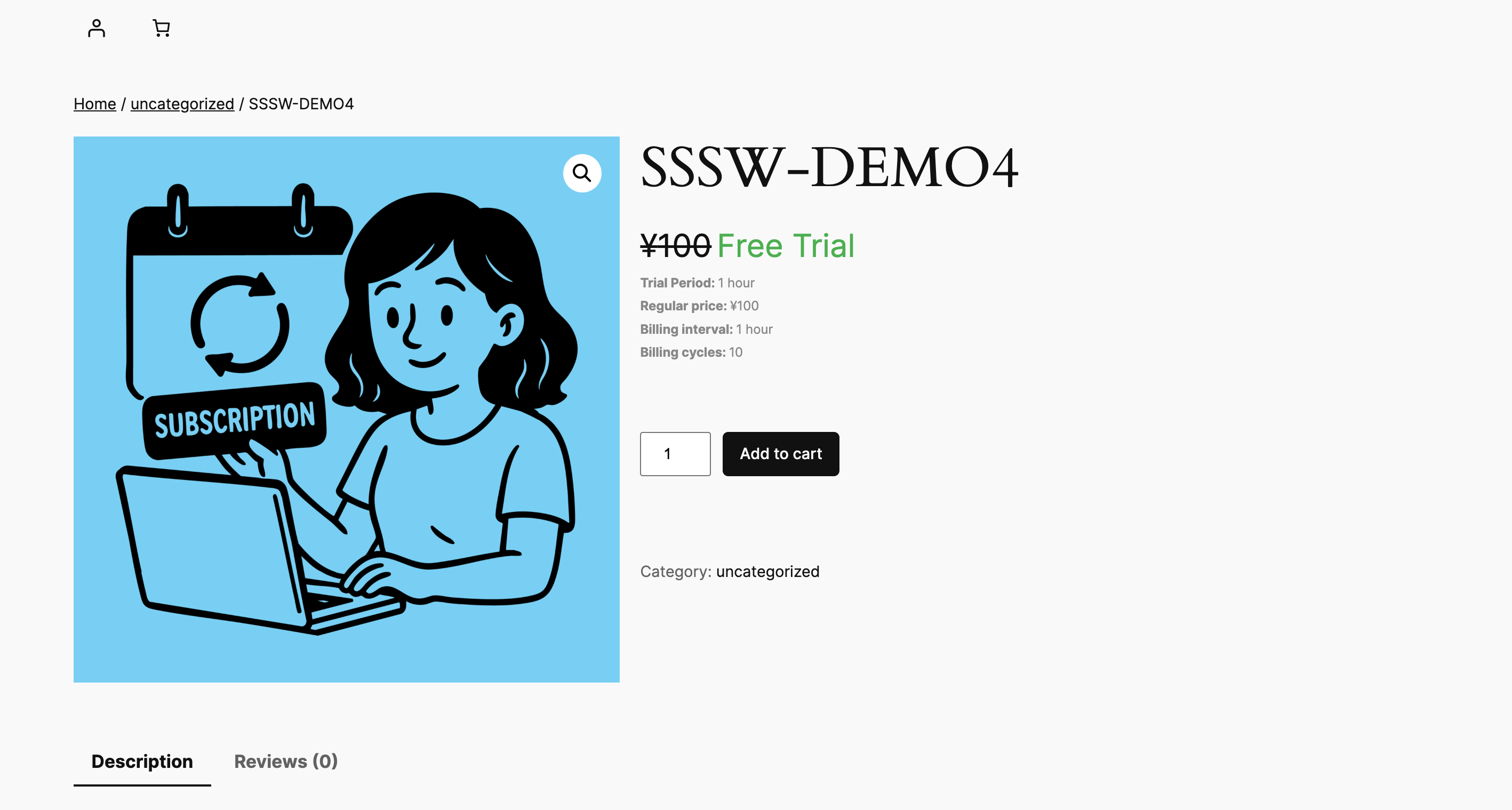
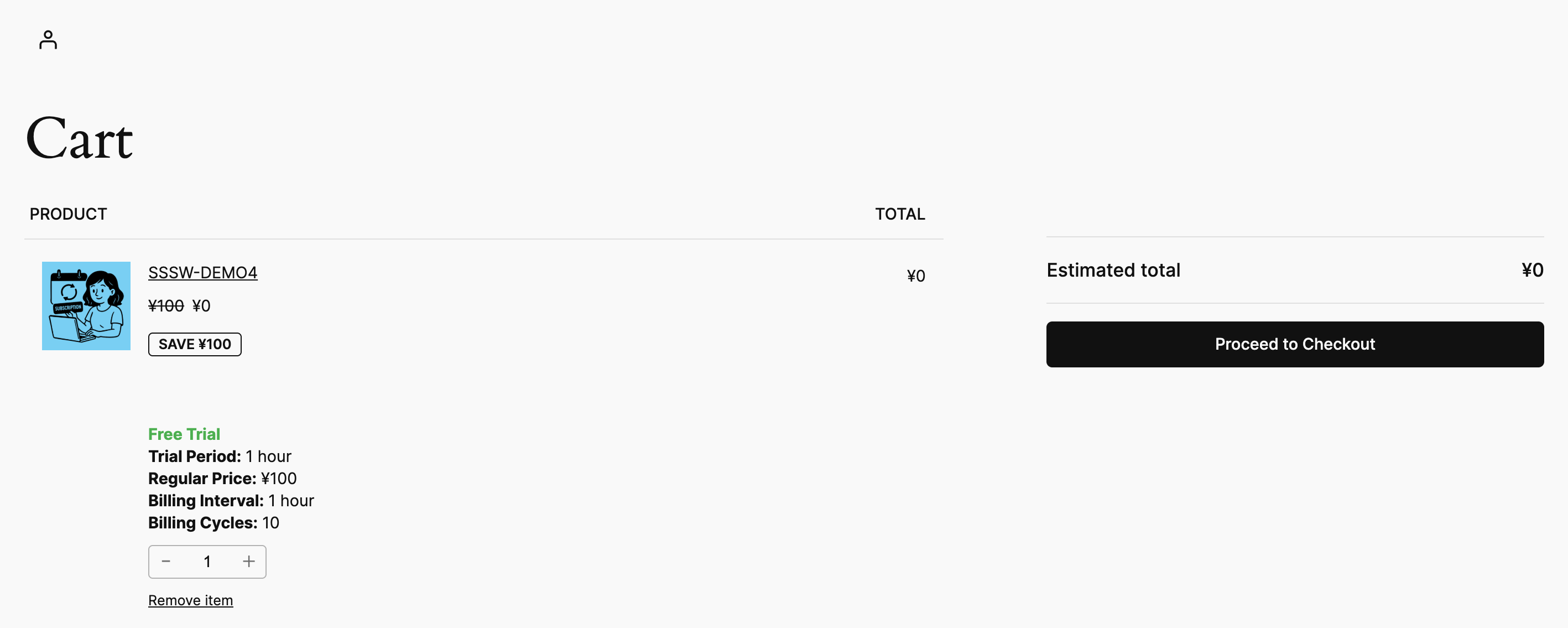
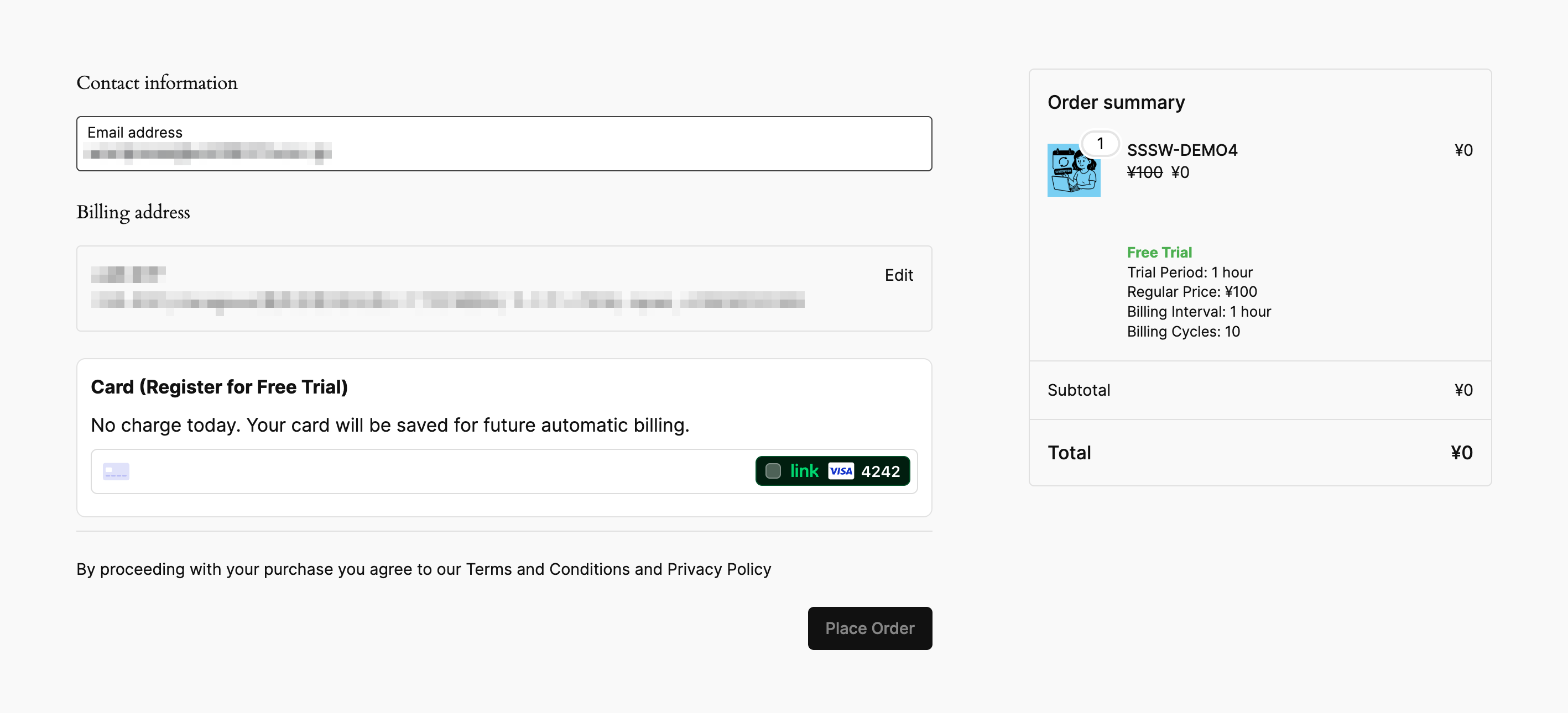
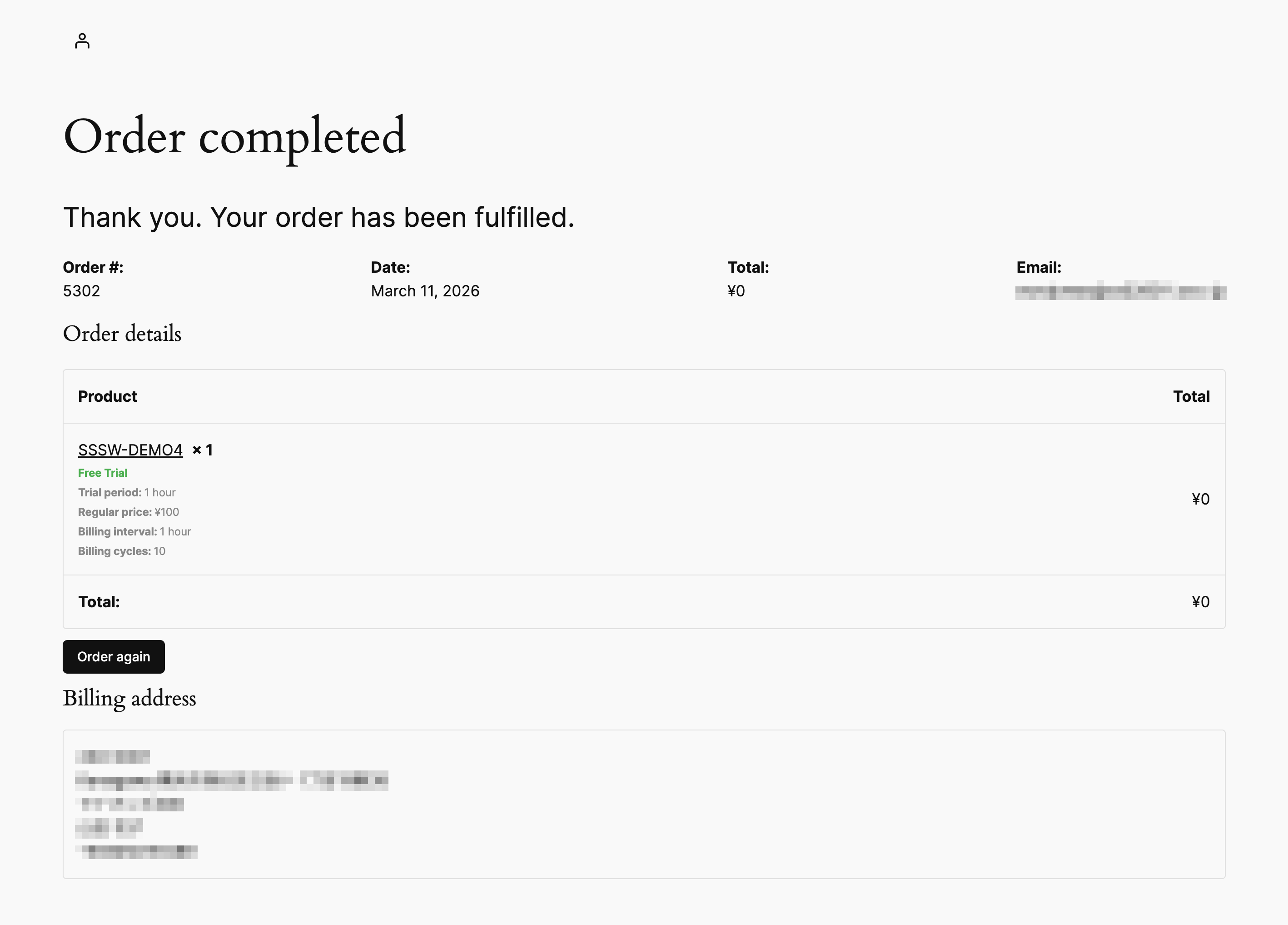
* Displays subscription metadata on product detail, related products, archive, cart, checkout, order details, and emails.
* 3D Secure support when collecting customer information during zero-total checkout.
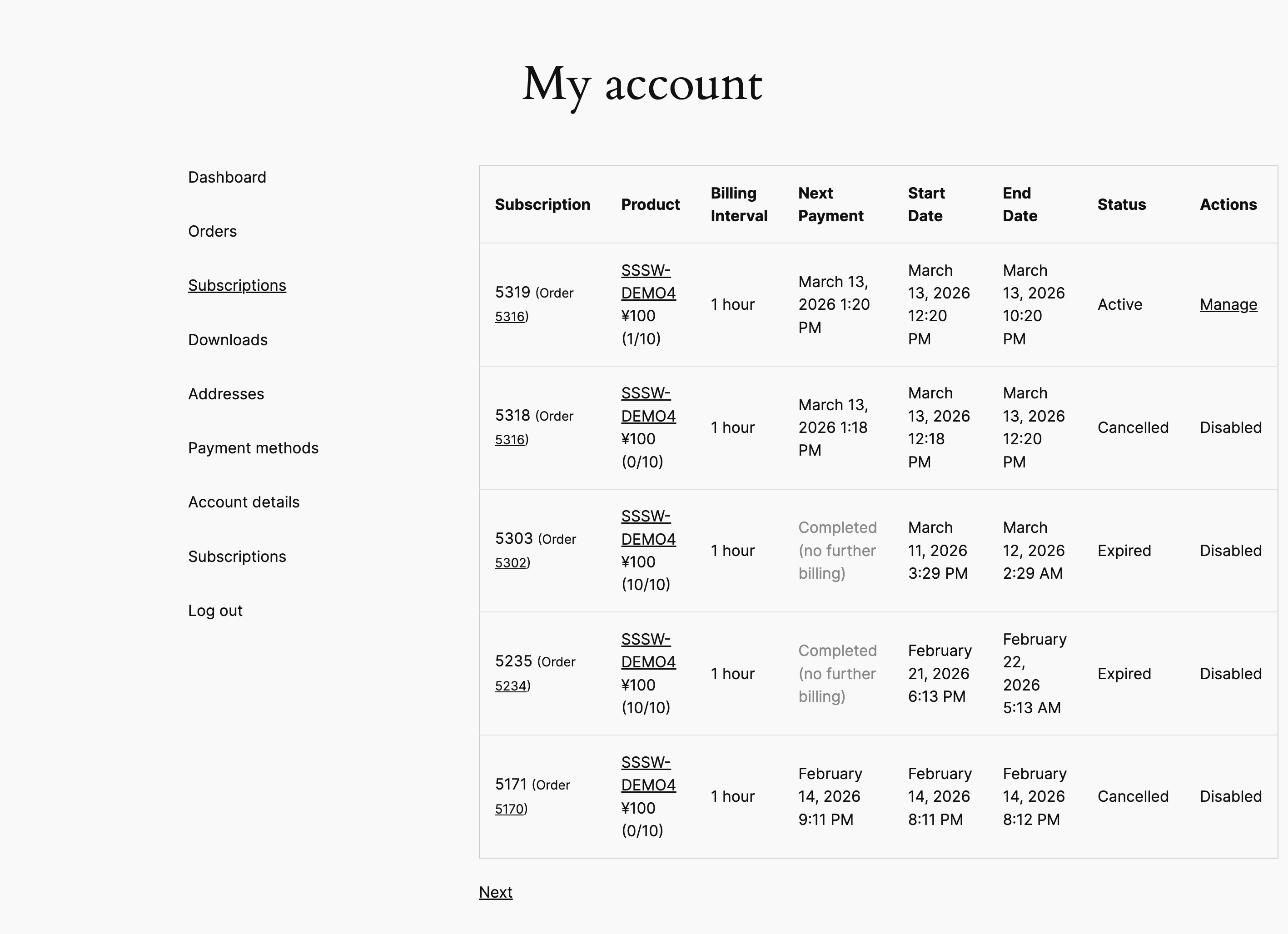
* My Account includes subscription management, allowing customers to cancel by themselves. Administrators can cancel subscriptions by canceling the related order.
* Integrated email notifications (renewal success, renewal failure, expiration, cancellation) for customers and admins.
* Supports multiple purchases of the same subscription.
* Supports purchasing multiple different subscriptions in one checkout.
* Supports mixed carts containing subscriptions and regular products.
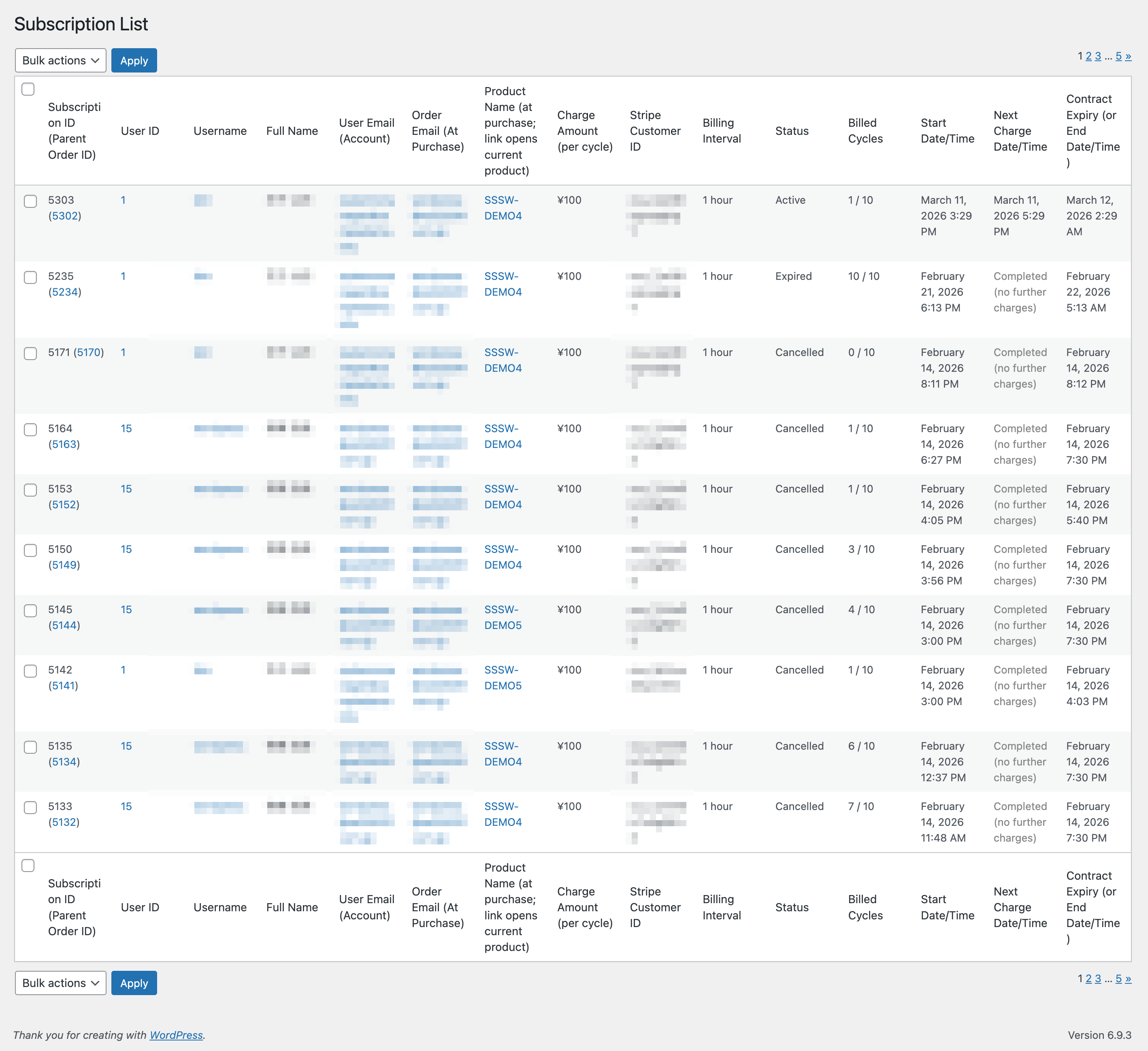
* Provides an admin subscription list management screen.
* Snapshot feature: saves not only price but also shipping at purchase time, and re-applies them at renewal.
* Fully compatible with WooCommerce Blocks and Classic Checkout.

This plugin is an independent product and not affiliated with or endorsed by Stripe or Automattic.

Screenshots
Subscription List
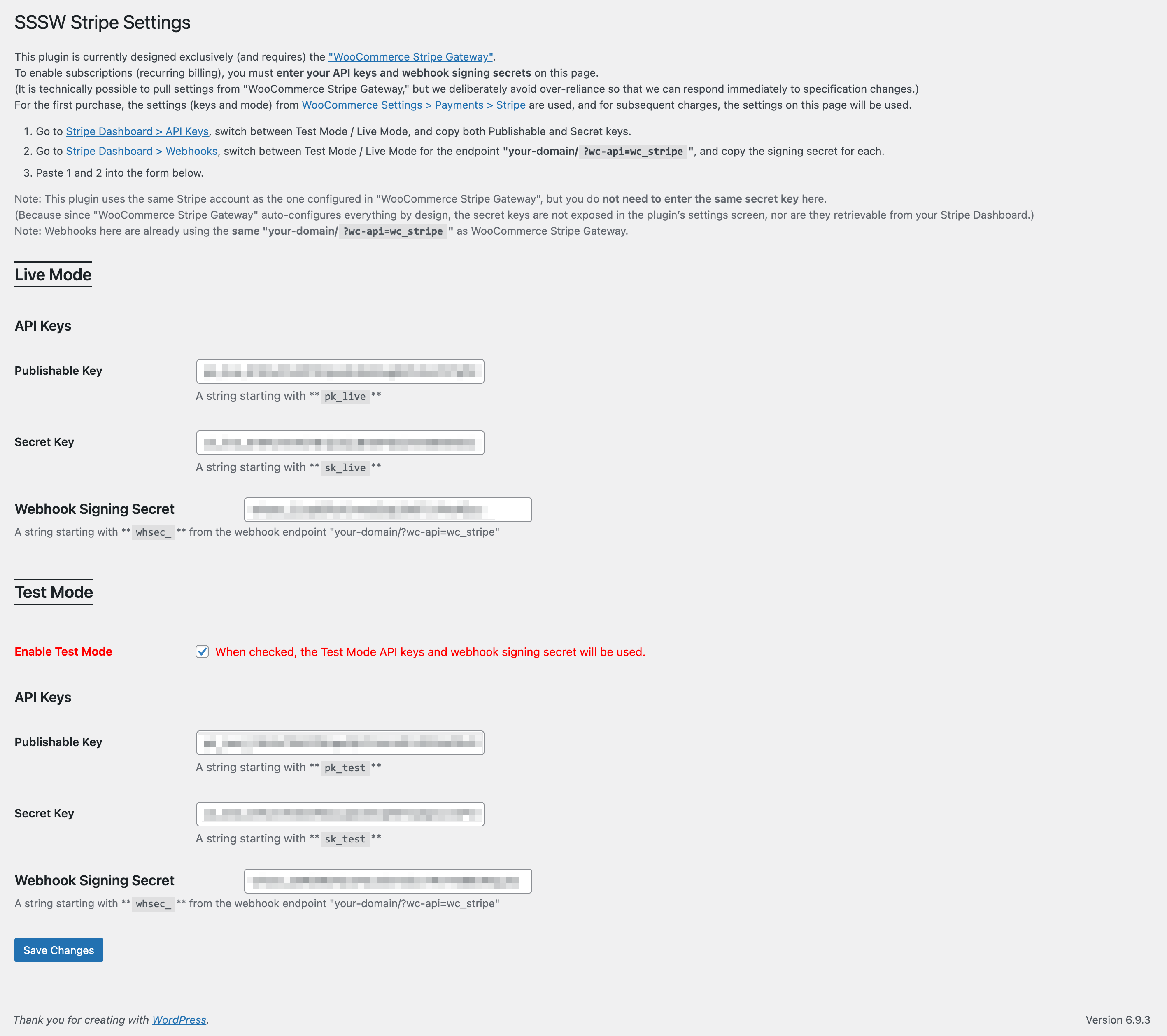
Stripe Settings
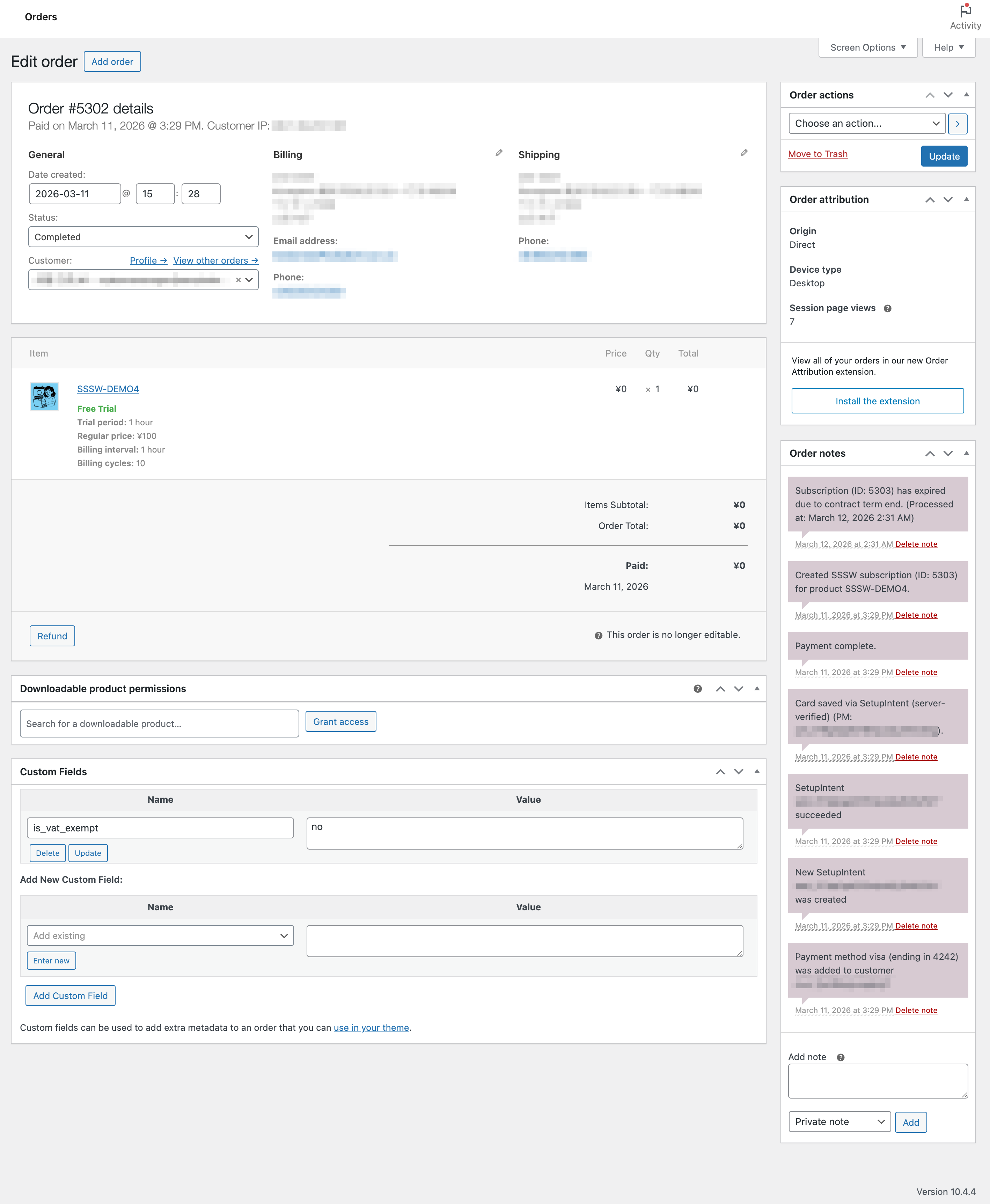
Edit order
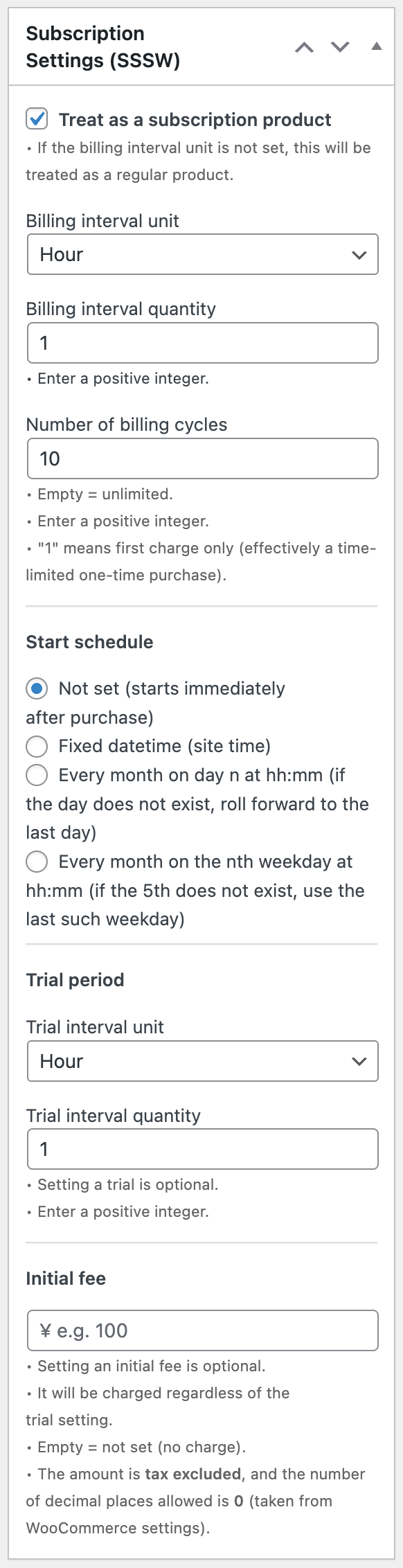
Meta box
Product page
Cart
Checkout
Thank you
My account
Installation

1. Upload the plugin files to the /wp-content/plugins/ directory, or install via the WordPress Plugins screen directly.
2. Activate the plugin through the ‘Plugins’ screen in WordPress.
3. Go to **WooCommerce > Settings > Payments > Stripe** to configure your Stripe account.
4. Edit a product and enable subscription options in the sidebar.
5. A new “SSSW” menu will appear in the admin dashboard for managing subscriptions.

FAQ

No. All settings such as billing intervals and trial periods are available in the product edit sidebar (meta box). Everything can be configured there.

Yes. More precisely, you also need the official WooCommerce Stripe Gateway (free). With WooCommerce, Stripe Gateway, and SSSW, you can sell subscriptions at no additional cost.

Not really. The Stripe account settings page provides detailed explanations. You can switch between test mode and live mode. Please note: SSSW does not automatically switch when the Stripe Gateway is toggled to test mode; you need to manage this yourself.

Yes, because recurring billing information must be stored per user. However, you don’t need to enforce login for all WooCommerce purchases. If a cart contains SSSW subscription products, non-logged-in customers will be prompted to log in, while regular products remain unaffected.

No. SSSW always stores shipping costs at purchase time. Free shipping rules can be configured on WooCommerce itself. The plugin remains simple: it avoids duplicating features that WooCommerce already provides.

SSSW’s design philosophy is “no feature withholding”: all essential features are included by default.
Labels are intentionally long for clarity, but you can shorten them by adjusting the translation files or customizing the code.

It is called “Simple” because, while all the essential features are included, the plugin stays simple by not adding complex control mechanisms.
If some elements feel unnecessary for your use case, you can remove them.

Yes. WooCommerce must be installed and activated.

Yes, the Stripe SDK (MIT license) is bundled.

Yes. It is released under the GPLv2 or later license.

No. All essential features are fully included in the free version. The Pro version only adds more advanced control over core features, along with optional convenience features and access control. For many users, the free version will be sufficient.
 
Manual Download Steps
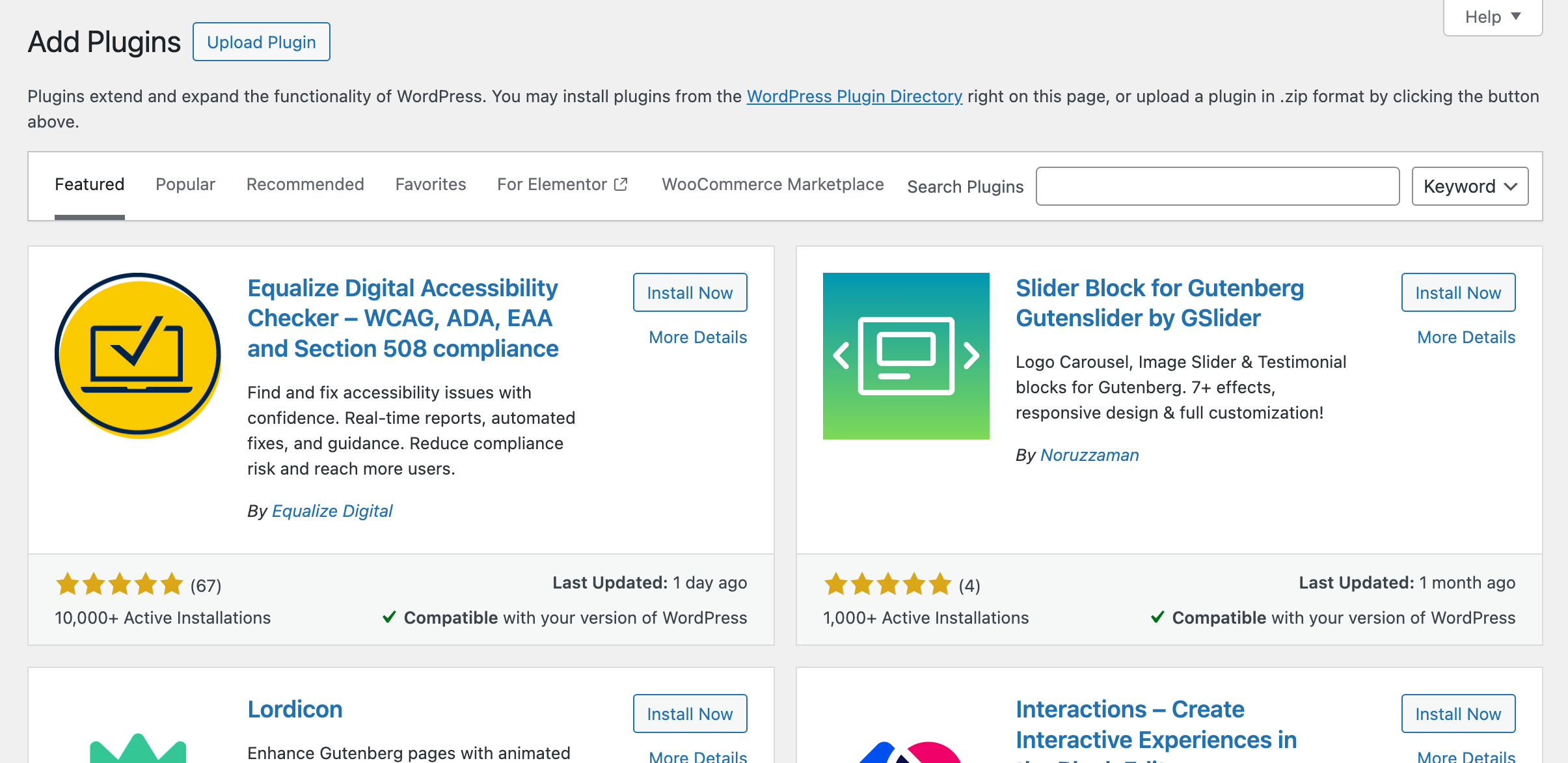
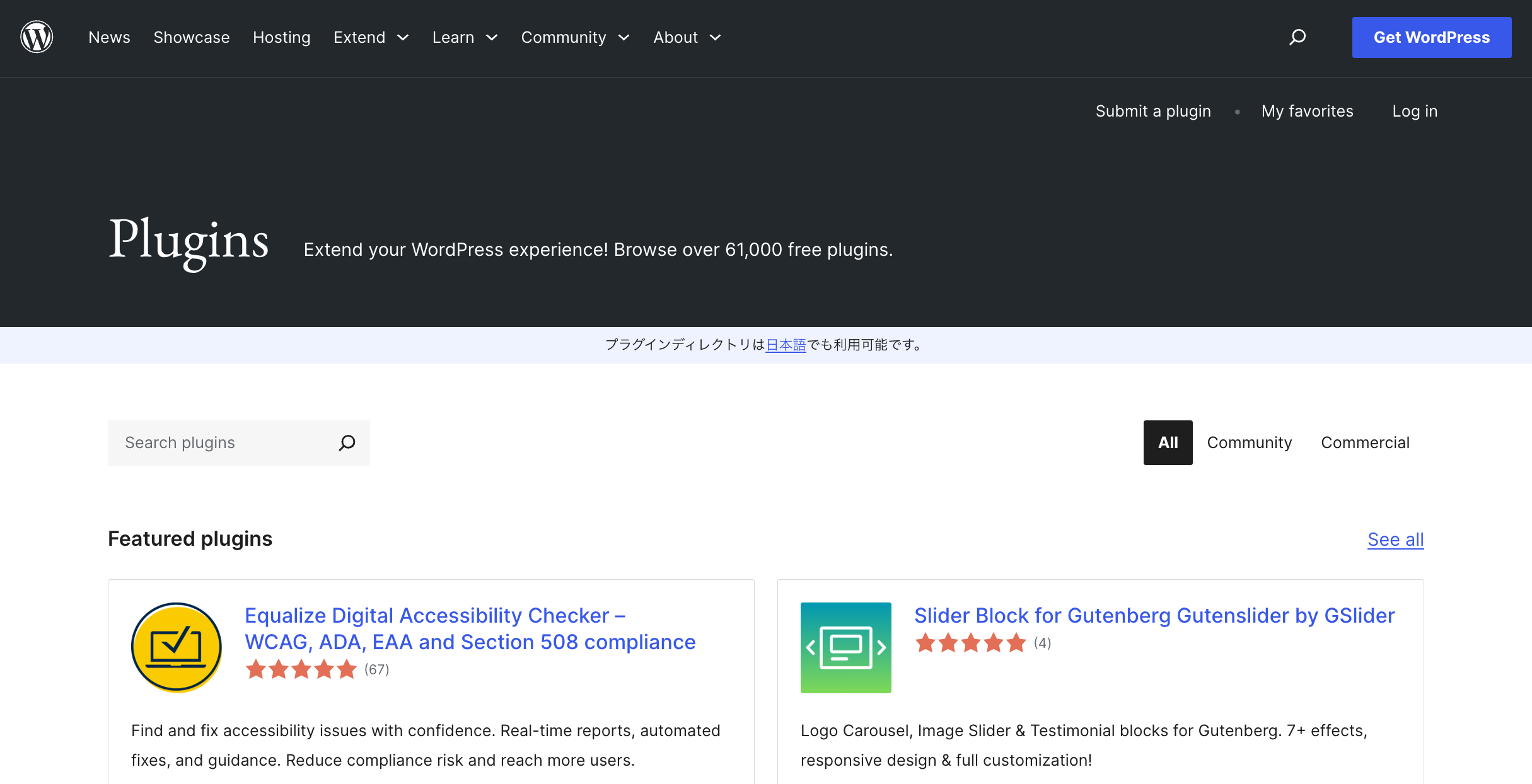
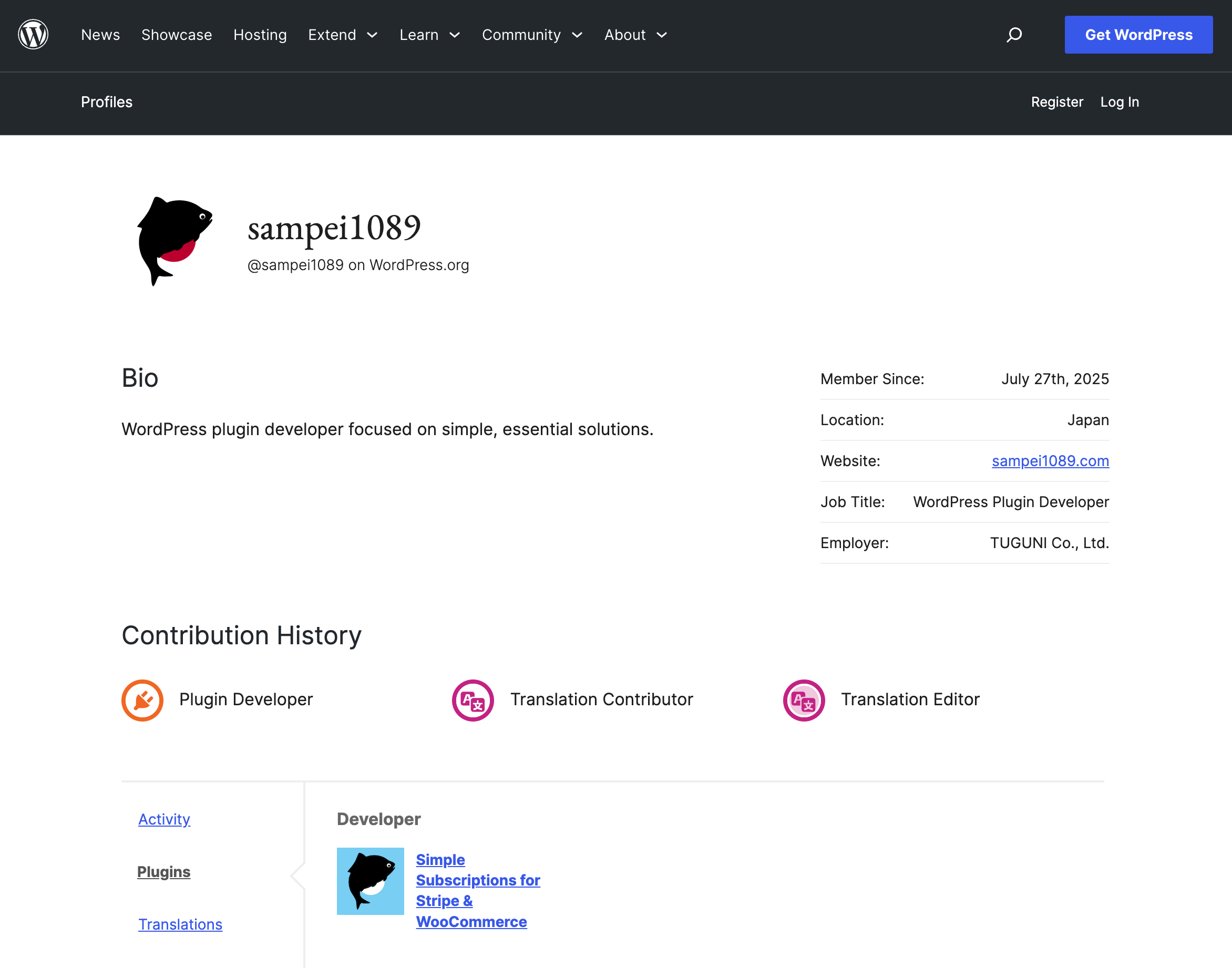
How to find and download it from WordPress.org
Dashboard > Plugins > Add Plugins > Search Plugins
WordPress.ORG > Plugins > Search Plugins
Profiles > sampei1089 > Contribution History > Plugins