In eCommerce, there are many situations where you may want to temporarily stop selling a product.
Completely deleting the product is easy—but impractical when the suspension is only temporary.
Setting stock to zero or switching the product to draft works, but it’s tedious and disrupts your workflow.
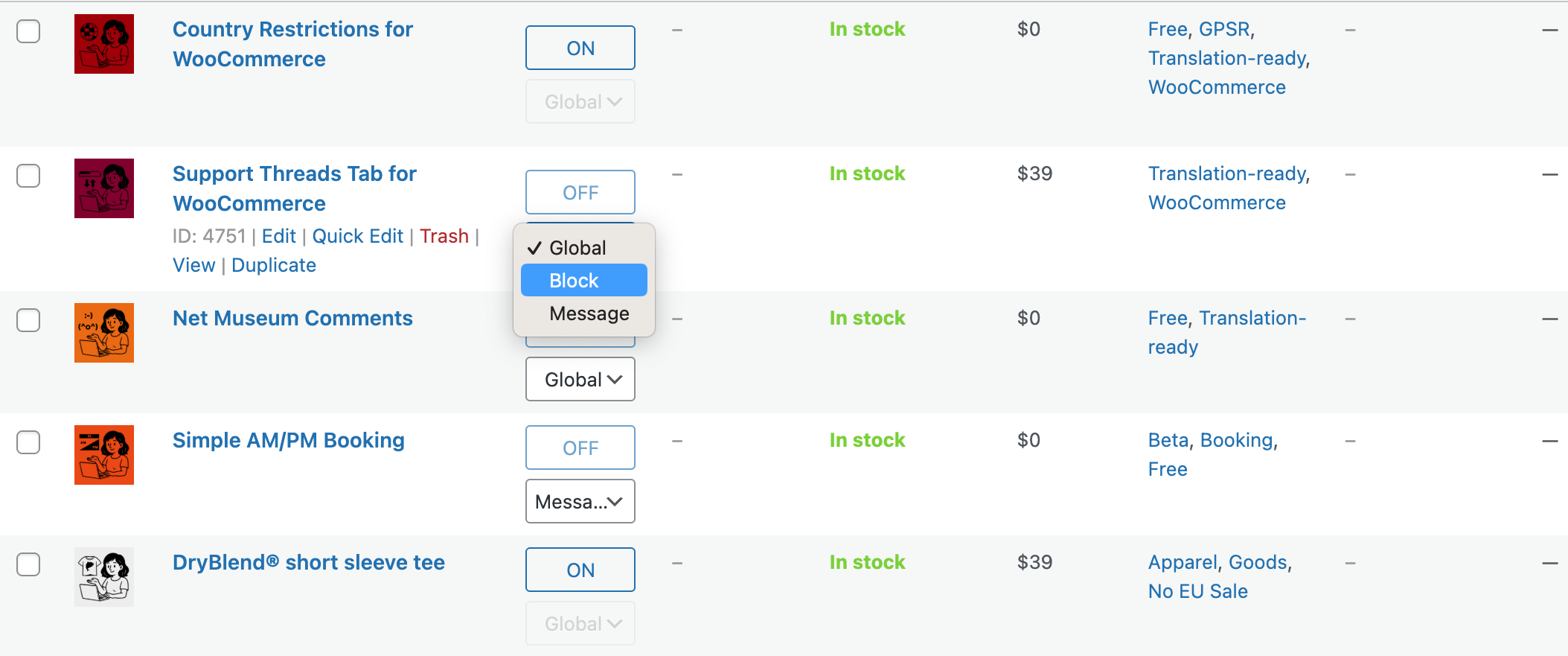
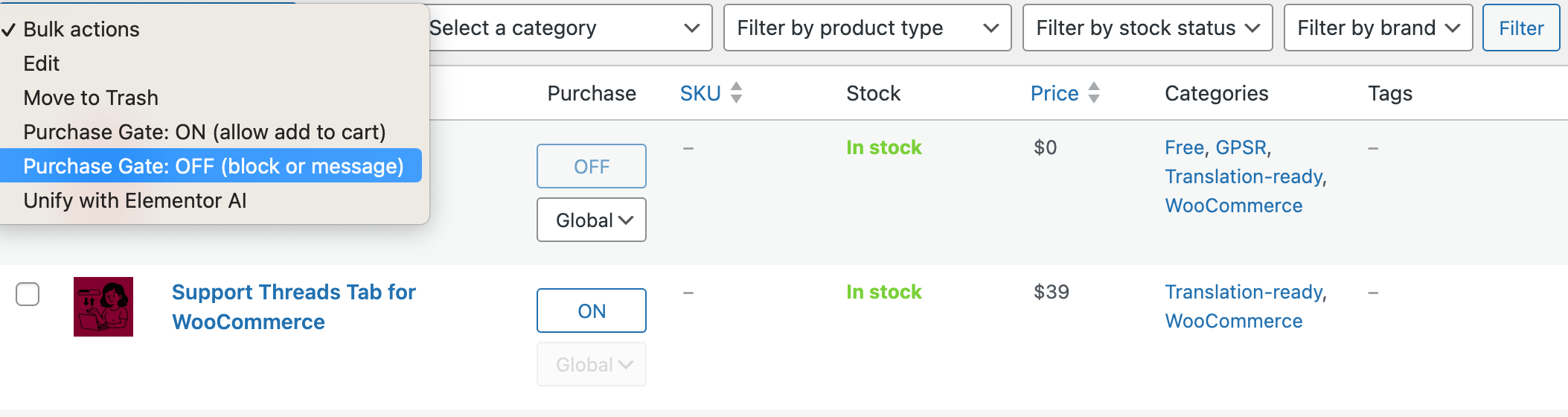
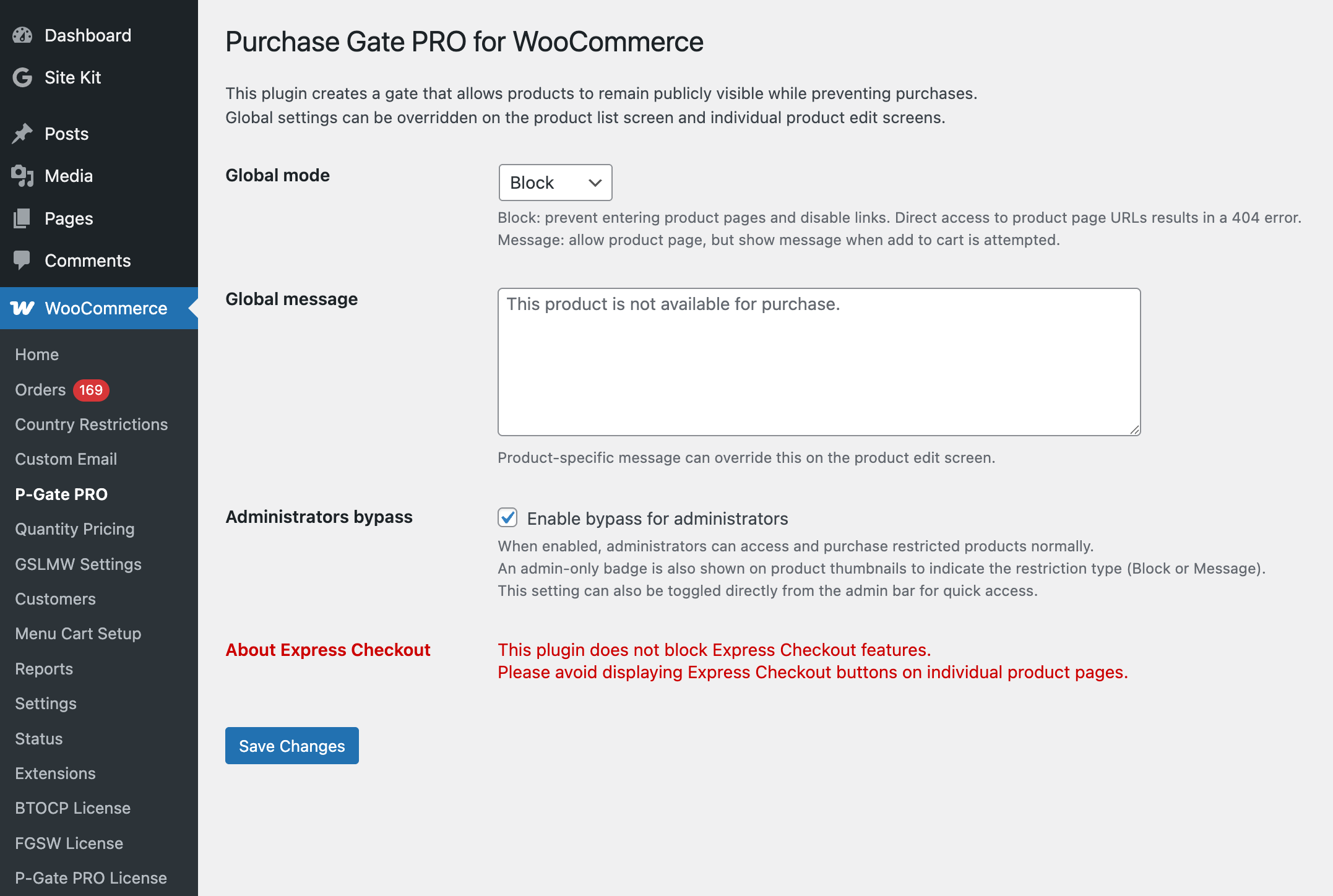
You can choose between two restriction modes:
1. Complete Block
Customers cannot access the product page at all.
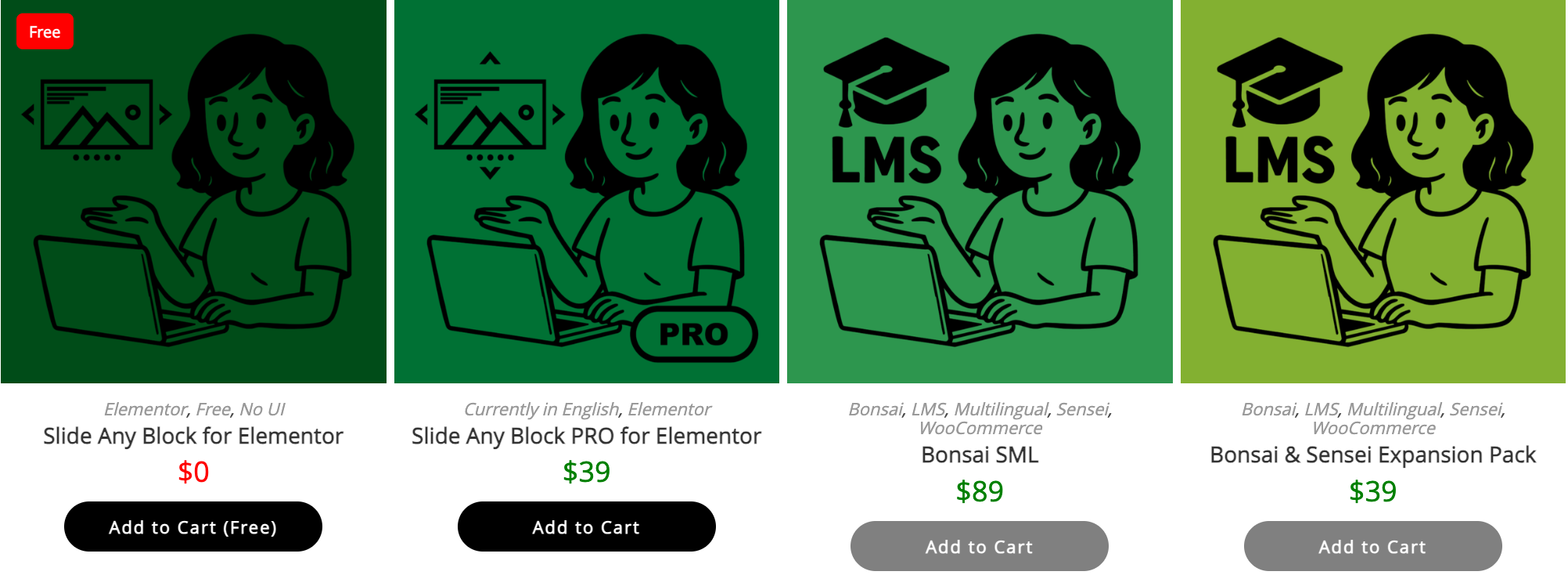
The Add to Cart button is disabled, clicks are blocked, and even direct URL access is prevented (handled as a 404).
This mode is ideal when you want a clean and secure shutdown of a product.
2. Viewable but Not Purchasable
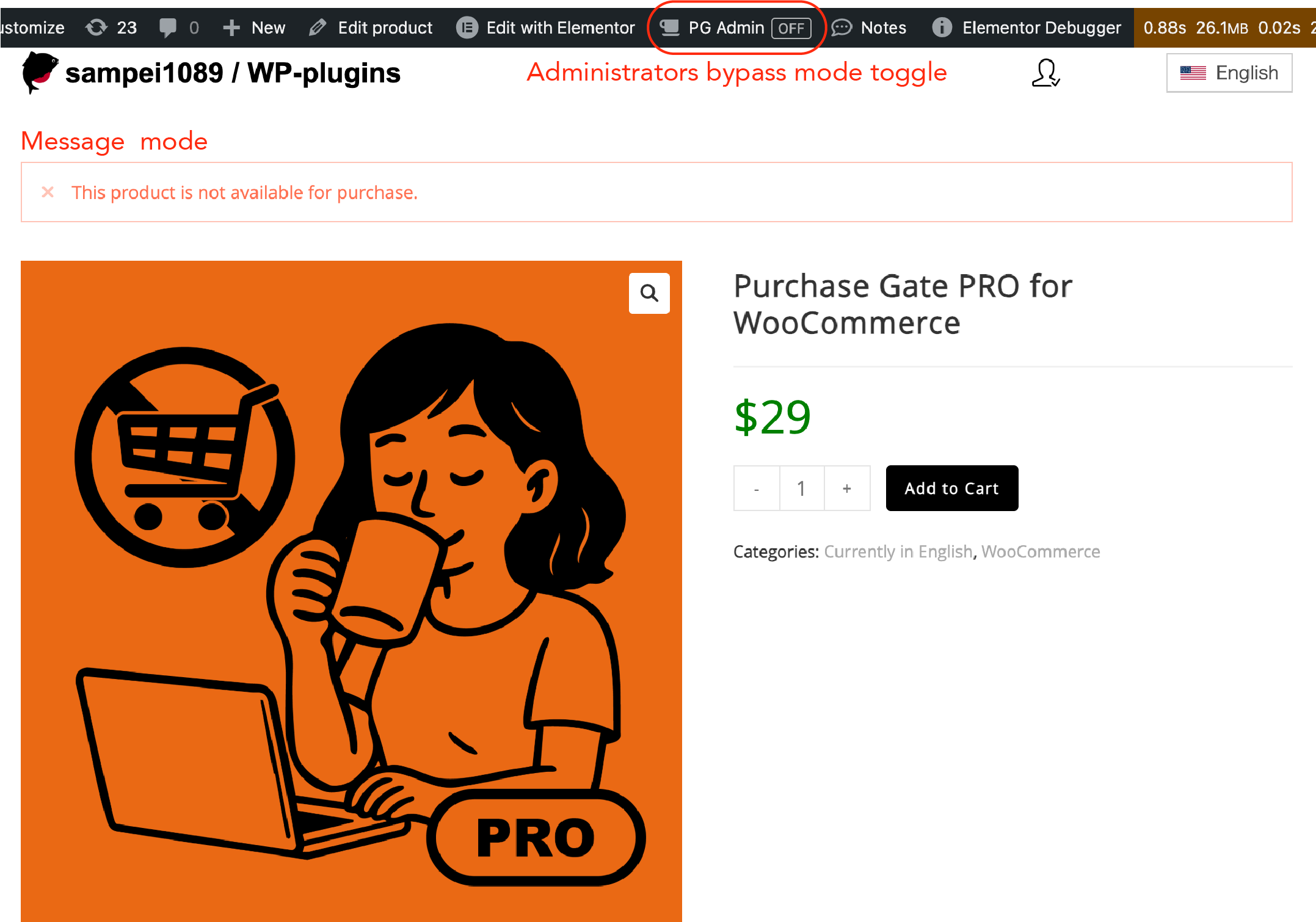
Customers can visit the product page, but cannot add the item to the cart.
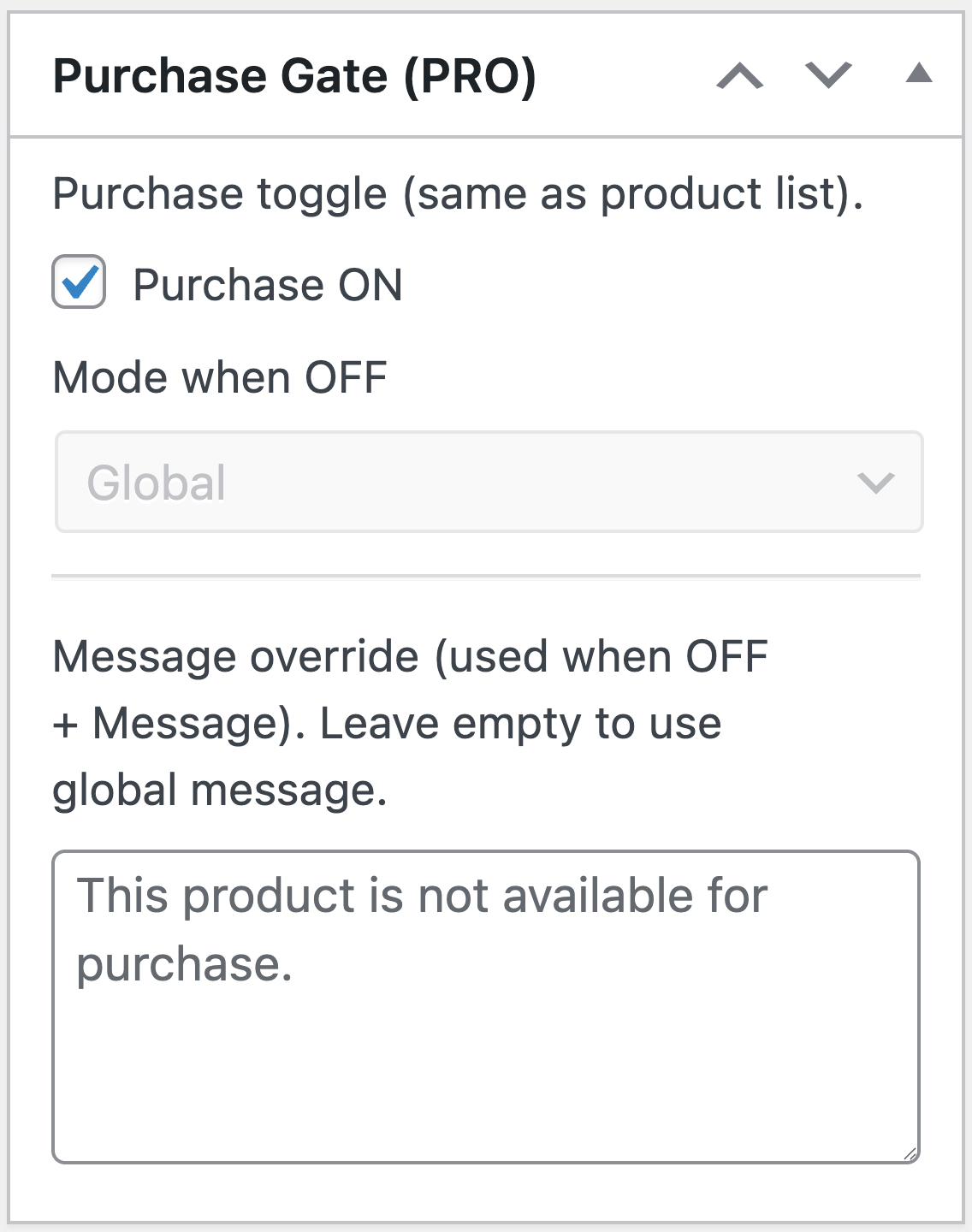
You can freely customize the rejection message shown when they attempt to do so.
This mode also works perfectly as a catalog or demo mode, allowing customers to experience the product up to the final step—without completing a purchase.
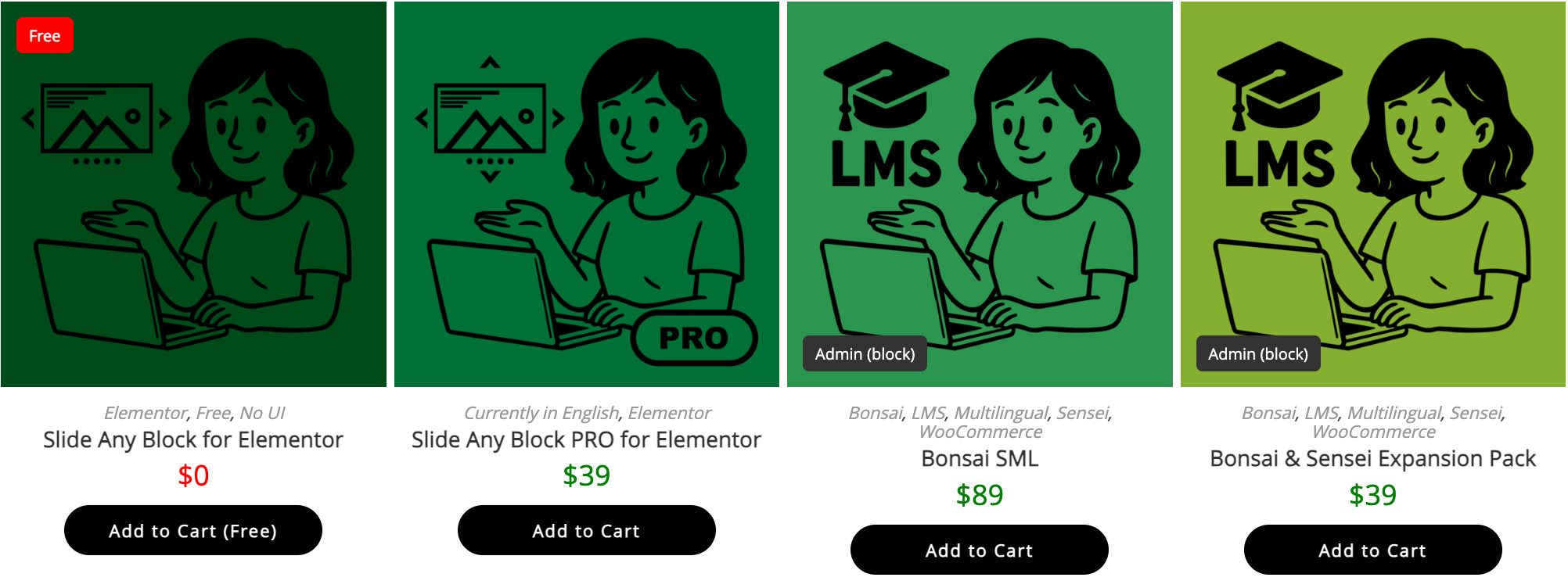
Administrators can be excluded from purchase restrictions.
When enabled, admins can add the product to the cart and complete the purchase normally, exactly as usual.
At the same time, the restrictions applied to regular customers are clearly visualized through badges or text messages, making it easy to confirm the public-facing behavior.
If you only need the Complete Block mode, the free version is available.
It does not include an admin UI or meta boxes, but its blocking behavior—including 404 handling—is functionally equivalent to the PRO version.
Collapse

Reviews
There are no reviews yet.